


Forget spending hours editing videos—Clipfly AI has cracked the code to effortless video creation. With just a few lines of text, you can whip up stunning visuals in minutes, making it a shift for anyone looking to spice up their online presence. Whether you’re a budding content creator or just want to impress your friends, this tool might just be the shortcut you didn’t know you needed.
What is Clipfly AI and How Does It Work?
Clipfly AI is an innovative tool designed to streamline video editing and content creation. It allows users to quickly transform raw footage into polished videos with minimal effort. The platform utilizes advanced algorithms to analyze and edit video clips, providing smooth transitions, automated audio syncing, and optimized output for various platforms.
What sets Clipfly AI apart is its user-friendly interface, which caters to both novice creators and seasoned professionals. This accessibility makes it a top choice for marketing campaigns or educational content. Its speed is notable; users report significant time savings compared to traditional editing software. With Clipfly AI, creating engaging videos has never been easier or faster, allowing you to focus on your creative vision rather than getting bogged down in technical details.
Step-by-Step Guide to Using Clipfly AI Video Generator
-
Sign Up for an Account. First, head over to the Clipfly AI website and create your account. Click on the “Sign Up” button and fill in the required details. You’ll need a valid email and a password to get started.
-
Choose Your Video Style. Once logged in, browse through the available video styles and templates. These are designed for different themes and purposes, so pick one that suits your project best. Think about your audience and the message you want to convey.
-
Upload Your Content. Next, upload the media you want to include in your video. This can be images, video clips, or audio files. Clipfly AI makes it super easy to drag and drop your files into the workspace.
-
Customize Your Video. Now comes the fun part! Use the editing tools to customize your video. You can add text overlays, music, and transitions. Experiment with different elements until you’re happy with how it looks.
-
Preview and Adjust. Before finalizing your creation, take a moment to preview your video. This is your chance to make any last-minute tweaks. Make sure everything flows well and the audio syncs perfectly.
-
Export Your Video. Once satisfied, hit the export button. Choose the desired resolution and format for your video, then let Clipfly AI do its magic. The final product will be ready for download in no time.
Ready to create stunning videos? Clipfly AI makes the process smooth and hassle-free!
Common Misconceptions About Clipfly AI
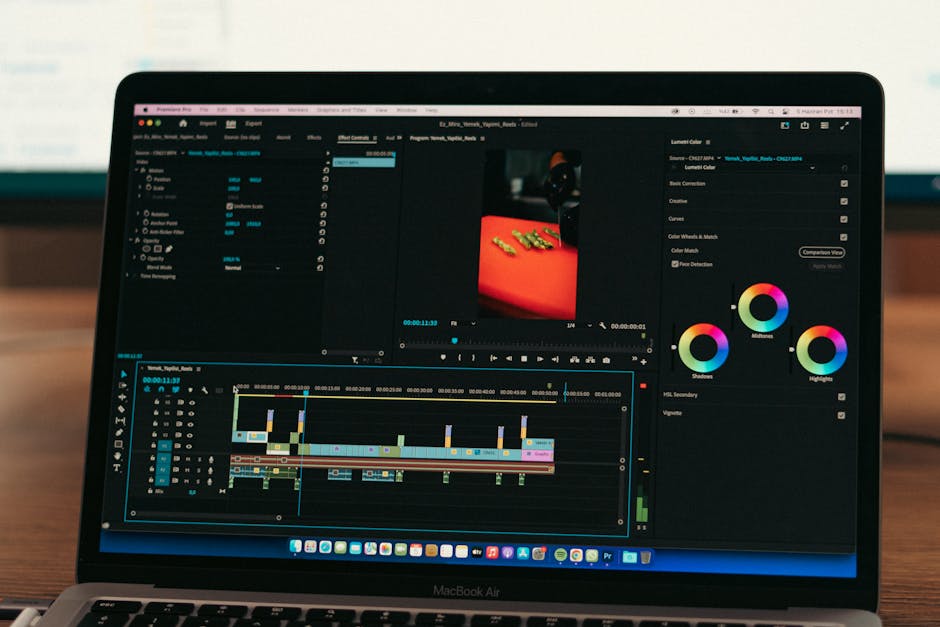
Have you heard the buzz around Clipfly AI? There are some misconceptions that could keep you from using it. Let’s clear the air about what Clipfly AI really is and what it can do.
-
It’s Only for Professionals. Many people think Clipfly AI is just for expert video editors. In reality, it’s designed for everyone! Whether you’re a beginner, a student, or just creating content for fun, Clipfly AI simplifies the process to make it accessible to all skill levels.
-
You Need Extensive Technical Skills. Another common belief is that you need to be tech-savvy to use Clipfly AI effectively. Not true! The platform features an intuitive interface that guides you through the video editing process. You’ll be surprised at how easy it is to create impressive videos without a tech degree.
-
It Can’t Handle Complex Projects. Some users worry that Clipfly AI might struggle with complex projects. However, it’s actually equipped to manage complex tasks, from advanced transitions to multiple video layers. You can tackle ambitious projects with confidence, thanks to its powerful capabilities.
Understanding these myths can help you take full advantage of what Clipfly AI offers. Don’t let misconceptions hold you back from exploring this innovative tool!
[IMAGE_SLOT_1]
Practical Examples: How Users Are Leveraging Clipfly AI
Users are finding creative ways to use Clipfly AI in various projects. Here are some practical examples that showcase its versatility:
-
Social Media Content Creation. Many influencers utilize Clipfly AI to quickly produce engaging videos for platforms like TikTok and Instagram. The AI’s ability to edit and enhance footage allows users to maintain a consistent style, significantly boosting their audience engagement.
-
Educational Video Production. Teachers and educators are embracing Clipfly AI to create instructional videos. By automating the editing process, they can focus on delivering quality content instead of spending hours on post-production, ensuring students receive timely materials.
-
Marketing Campaigns. Businesses are tapping into Clipfly AI to generate promotional videos. The tool helps in crafting polished content that effectively communicates brand messages, making marketing efforts more efficient and impactful.
-
Personal Projects. Hobbyists are using Clipfly AI to create short films and home videos. With its user-friendly interface, anyone can transform raw footage into professional-looking videos, making personal storytelling accessible to all.
These examples illustrate how Clipfly AI is revolutionizing video production across different fields, making it a valuable asset for anyone looking to enhance their content creation process.
Advanced Editing Suite: Bringing Videos to Life
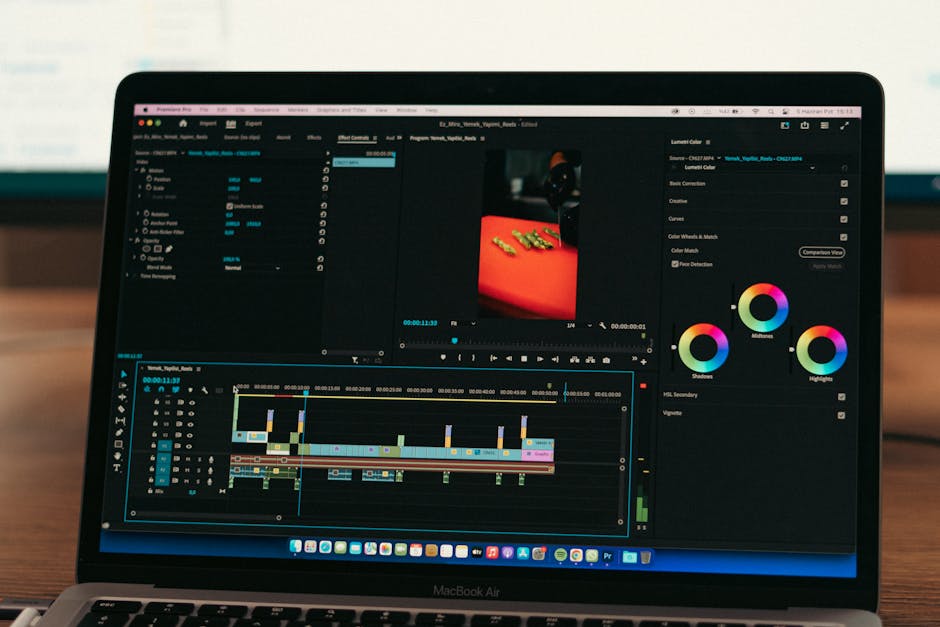
Clipfly AI transforms video editing into a smooth experience, combining advanced features that ignite creativity. With its user-friendly interface, you can dive straight into editing without feeling overwhelmed. Picture this: you’re crafting an epic gaming montage, and Clipfly AI’s intelligent tools help you sync music with action, making your clips pop.
The software includes features like automatic scene detection and smart transitions, saving you time and boosting your creativity. Think of it as having a personal assistant that knows your style. In just a few clicks, your basic footage becomes a polished masterpiece. The ability to customize effects and filters allows you to tailor your work to fit any theme or mood, whether it’s a serious project or something light-hearted.
User testimonials highlight Clipfly AI’s impact on various projects, showing how it’s particularly useful for content creators and marketers looking to up their game. Many have reported that this software has improved their workflow significantly. It’s not just about making videos; it’s about bringing your vision to life effortlessly.
Special AI Tools: Enhancer, Background Remover, and Face Dance
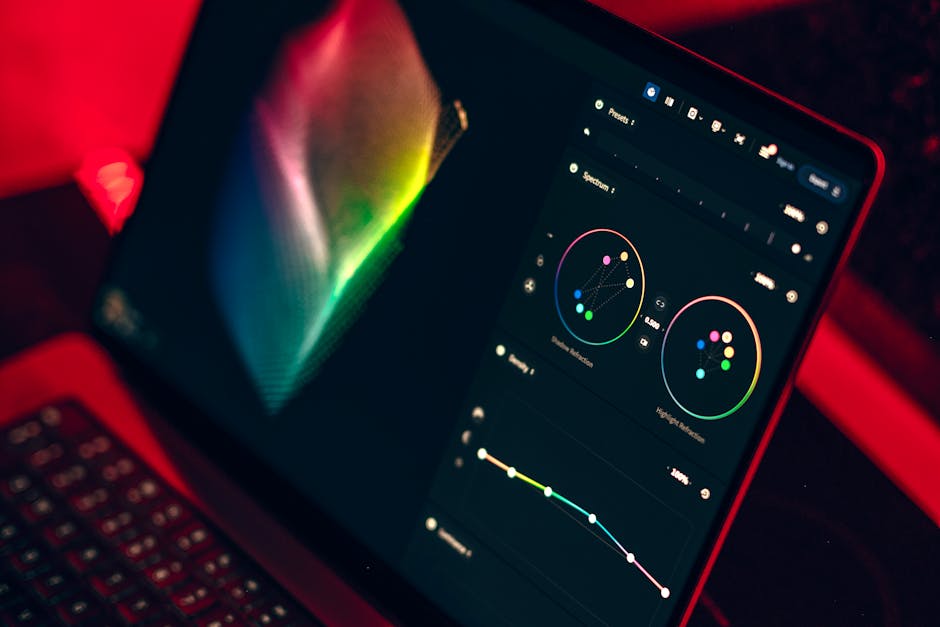
Clipfly offers some truly unique AI tools that raise your video editing game. The Enhancer is designed to boost the quality of your footage, enhancing colors and sharpness with just a few clicks. This tool is great for gamers and content creators looking to make their videos pop without spending hours on manual adjustments.
Next, the Background Remover allows you to easily eliminate unwanted backgrounds. Whether you’re creating a professional-looking tutorial or just want to add some flair to your gaming highlights, this tool simplifies the process. It’s perfect for those who want to focus on the action without distractions.
Then there’s Face Dance, a fun tool that lets you animate faces in your videos. It adds a layer of entertainment and engagement, ideal for social media snippets or promotional content. By using this tool, you can easily infuse your videos with personality, making them more shareable and memorable.
Each of these features is tailored to enhance user experience and make video editing accessible, appealing to both novices and seasoned creators.
New Features and Updates: Staying Ahead with Clipfly
Clipfly AI is shaking things up in the digital landscape, and it’s not just about making videos. With new features rolling out, users are in for a treat. Here’s what’s fresh and exciting:
-
Enhanced Editing Tools. Clipfly now boasts advanced editing features that simplify tasks like trimming and adding effects. This means you can create high-quality videos without breaking a sweat.
-
Collaboration Features. The platform introduced real-time collaboration tools, allowing multiple users to work on a project simultaneously. This is a shift for team projects, making remote work smooth.
-
AI-Powered Suggestions. Clipfly AI now analyzes your footage and suggests edits based on best practices. This smart feature can save you tons of time, ensuring you don’t overlook any potential improvements.
-
User-Friendly Interface. Recent updates have refined the user interface, making it even easier to work through. Whether you’re a newbie or a pro, you’ll find what you need quickly.
-
Expanded Export Options. Now, Clipfly allows exports in various formats, catering to different platforms like YouTube, Instagram, and more. Tailoring video formats to your audience has never been easier.
-
Unique Use Cases in Marketing. Businesses are utilizing Clipfly for innovative marketing campaigns, creating personalized and engaging content that drives conversions. This niche application shows how far Clipfly can take your creativity.
These updates highlight Clipfly AI’s commitment to staying competitive and meeting user needs. Whether you’re editing for fun or for business, these features keep you ahead of the game.
Integration and Compatibility: Smooth Workflow with Clipfly
Quote one: “Integration makes everything easier.”
Clipfly AI excels in integration, working smoothly with various platforms and tools. Whether you’re editing videos for social media or creating content for YouTube, compatibility is key. Clipfly connects seamlessly with popular software like Adobe Premiere and Final Cut Pro, allowing you to enhance your editing process without the hassle.
Imagine you start a project in Clipfly and then switch to your favorite editing software. You can easily transfer your assets and edits, ensuring that your workflow remains uninterrupted. Users appreciate this ease of use. This flexibility means you can customize your setup to fit your style, maximizing productivity.
Additionally, Clipfly’s integration options extend to cloud storage services like Google Drive and Dropbox. This feature allows users to access projects from anywhere, anytime. Whether you’re on a gaming break or working from a coffee shop, your content is always at your fingertips.
In a fast-paced world, having tools that work well together is crucial. Clipfly AI brings that advantage, making it a go-to choice for creative minds seeking efficiency without compromising quality.
User Reviews and Feedback: What People Are Saying
-
Positive Experiences. Many users rave about Clipfly AI’s user-friendly interface. The ease of navigation allows even beginners to create impressive videos without a steep learning curve. Users also appreciate the quick rendering times, which save valuable hours during projects.
-
Areas for Improvement. Some reviewers mention that while Clipfly AI excels in automation, it occasionally lacks advanced features found in traditional editing software. A few users have suggested that better customization options would enhance the overall experience and creative control.
-
Overall Satisfaction Ratings. Generally, users express high satisfaction with Clipfly AI, with many rating it above average compared to other tools. On platforms where ratings are available, the majority of users give it a solid 4 out of 5 stars, highlighting its efficiency and effectiveness.
Comparing Clipfly AI with Other Video Generators
Clipfly AI stands out in the crowded market of video generators, especially when compared to its competitors. While many tools offer basic features, Clipfly AI combines speed and quality, ensuring you can create engaging videos without hassle.
| Feature | Clipfly AI | Competitor A | Competitor B |
|---|---|---|---|
| Speed | Fast (1 min per video) | Moderate (3 min) | Slow (5 min) |
| User-Friendly Interface | Yes | Somewhat | No |
| Output Quality | High | Medium | High |
| Customization Options | Extensive | Limited | Moderate |
| Cost | $10/month | $20/month | $15/month |
One key advantage of Clipfly AI is its fast processing ability. Users often report being able to generate a completed video in about one minute. In contrast, other platforms can take three to five minutes, which can feel like an eternity when you’re on a tight schedule.
The user interface is another highlight. Clipfly AI is designed with simplicity in mind, making it accessible for anyone, whether you are a seasoned creator or just starting out. Competitors often require more steps, which can be frustrating.
for output quality, Clipfly AI consistently delivers high-quality videos, while some competitors may offer lower quality for a similar price. Its extensive customization options allow for a personal touch that can make your videos stand out.
Ultimately, if you want speed, quality, and ease of use, Clipfly AI is a solid choice compared to the competition.